
Automatic categorization that actually works
Transactions categorized automatically as they sync from your banks. Across currencies, across languages, across countries. No manual sorting required.
Why manual categorization doesn't scale
When you live in one country, categorizing transactions is tedious but manageable. You know what "WholeFds Mkt" means. Your app probably figures it out too.
Now add a second country. Suddenly your bank statement includes "MERCADONA SL" and "RENFE VIAJEROS" and "EL CORTE INGLES." Your US budgeting app has no idea what these are. You're stuck sorting dozens of unfamiliar transactions every week, in a language your app doesn't understand.
This is where people give up on budgeting. Not because they don't care, but because the tedious parts overwhelm the useful parts.
Borderless Budget's AI handles this for you. It knows that Mercadona is a grocery store. That RENFE is a train service. That El Corte Ingles is a department store. It works across languages and countries, so your transactions are categorized no matter where you spend.
How AI categorization works
Automatic categorization
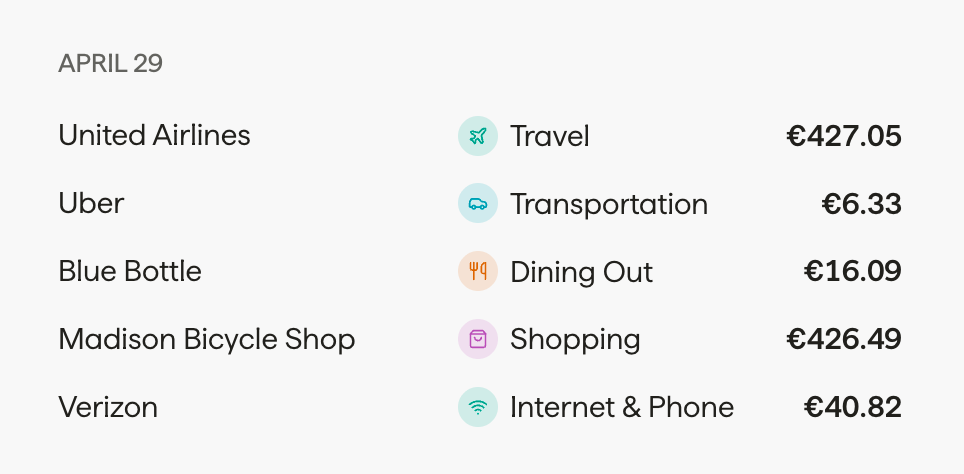
When transactions sync from your connected banks, our AI analyzes the merchant name, transaction amount, and context to assign the right category. A EUR 18.50 charge from "Domino's Pizza" goes straight to Dining Out. A $9.99 charge from Spotify goes to Subscriptions. No manual work needed.
Custom categories
Default categories are a starting point. Create new ones that match how you actually live. "Coworking Spaces" for your digital nomad life. "Flights Home" for annual trips back. "Language Classes" for settling into a new country. The AI learns to use your custom categories for new transactions too.
Categorization rules
Set up rules for transactions that should always go to a specific category. "Any transaction from TFL goes to Transport." "Anything from Wise goes to Transfers." Rules take priority over AI suggestions, giving you precise control where you want it and automation everywhere else.
Merge and reorganize
Changed your mind about how you organize spending? Merge two categories into one. Rename a category. Move transactions between categories. All historical data follows along. Your budget structure should evolve with your life, not lock you into decisions you made on day one.
One category, multiple currencies
Your "Groceries" category might include charges from Whole Foods in USD, Mercadona in EUR, and Tesco in GBP. That's fine. Borderless Budget handles it naturally.
Each transaction shows in its original currency. The category total shows spending broken down by currency and converted to your home currency. You see the real picture without any manual conversion.
This is what makes AI categorization across borders genuinely useful. It's not just sorting transactions into buckets, it's giving you a clear, accurate view of spending that spans currencies and countries.
Categorization questions
Your budget shouldn’t need a passport
Stop sorting transactions by hand
Join the waitlist for early access. AI categorization is included with every plan.
No spam, just launch updates.