
Related articles
Track your own money with Borderless Budget
Every account stays in its own currency, and every total adds up in yours. The first 30 days are free.
Get startedAdd the buys, sales, dividends, interest, fees and cash movements of a manual investment account one at a time, or import them from your brokerage's CSV or Excel export.
Every account stays in its own currency, and every total adds up in yours. The first 30 days are free.
Get startedSteps to record the activity of a manual investment account: buys, sales, dividends, interest, fees, tax withheld, deposits and withdrawals. Add them one at a time, or import your brokerage's own activity export.
Open the account from the Accounts screen. On a manual investment or brokerage account, the Activity section sits below Valuations. Its header shows how many rows the account has, with Import activity and Add activity beside it. The section lists the five most recent rows: click Show all to see every one.
Adding and importing activity works on the web. The iOS and Android apps show the activity but can't add or change it yet.
Don't have the account yet? Create one with the type Investment. See Creating Manual Accounts.
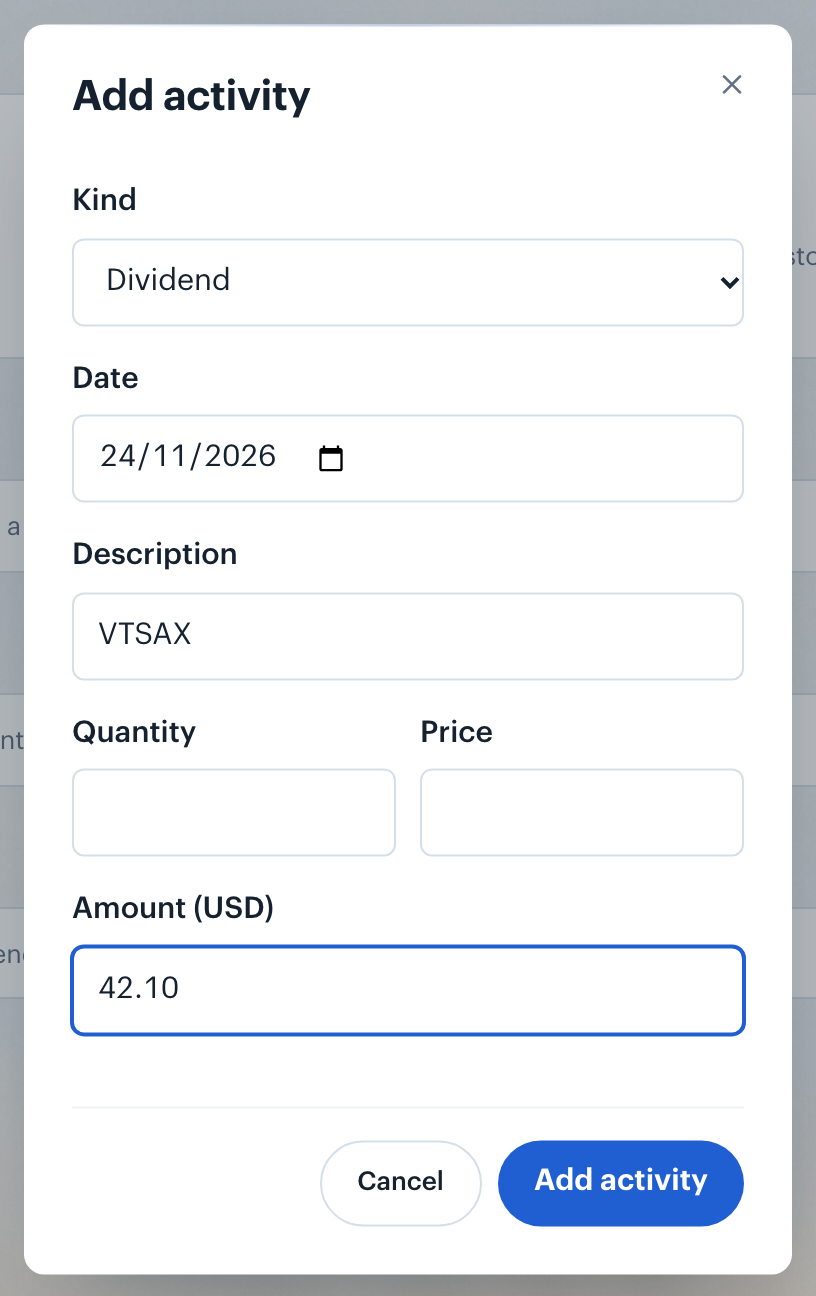
To change a row you added, click it. The Edit activity form opens filled in: change any field and click Save, or click Delete to remove it.
Download your account activity (sometimes called transaction history) from your brokerage as a CSV or Excel (.xlsx) file, then click Import activity. Drop the file in the window that opens, or click it to choose the file. There is nothing to set up or map: the import reads the brokerage's own columns. What was added, skipped and refused shows in the same window.
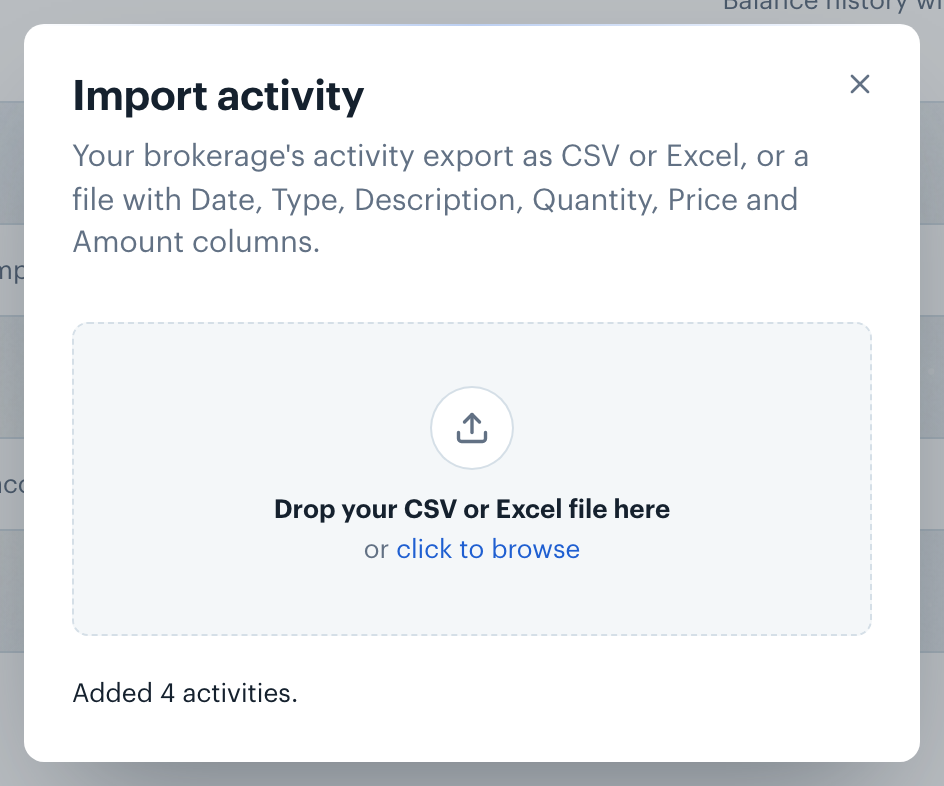
Your brokerage isn't listed below, or its file doesn't read? Make your own CSV or Excel file with the columns Date, Type, Description, Quantity, Price and Amount. Use one of the eight kinds as the Type, and the amount as a positive number.
Want to see how foreign-currency rows are shown? See International Currency.
The import has been tested with activity exports from Fidelity, Charles Schwab, Vanguard, E*TRADE, Robinhood, Interactive Brokers, Avanza, Nordnet, DEGIRO, Trading 212, Trade Republic, Revolut, Saxo, Swissquote, XTB, BUX, Freetrade, InvestEngine, Rabobank, Scalable Capital, finpension, Directa, Desjardins Disnat and eToro.
Where some of them keep the export:
For any other brokerage, look for a download of your activity or transaction history as a CSV or Excel file.
A commission, fee or stamp duty in its own column on a buy or sale is added as its own fee or tax withheld row, named after the security. When the trade's amount already includes it, the trade shows the amount before it, so the two rows together match the cash your brokerage moved. Tax withheld from a dividend is added the same way, as its own tax withheld row, and the dividend shows the amount before tax. When the tax is in another currency, such as US tax on a dividend paid out in pounds, both rows are shown in the currency the money arrived in, worked out from your brokerage's own figures, and the tax row's name keeps the amount as your brokerage stated it. When your brokerage cancels a dividend and pays it again, the dividend and its cancellation are both left out, so only the new payment shows. A cancellation whose dividend isn't in the file is added as a withdrawal, with the tax it gives back as a deposit.
Known limits:
Activity is a record of what happened in the account. It never changes the account's value or your net worth: those still come from the account's valuations. After a sale or a withdrawal, add a valuation with the account's new value.
Dividends and interest show in the account's activity, but they never count as income or spending in your budget. Buys and sales linked to a holding become the account's lots, which give each sale its cost for the Realized gains report.
👋 Still have questions? Email [email protected].