
Related articles
Track your own money with Borderless Budget
Every account stays in its own currency, and every total adds up in yours. The first 30 days are free.
Get startedSteps to permanently delete your account and all associated data.
Every account stays in its own currency, and every total adds up in yours. The first 30 days are free.
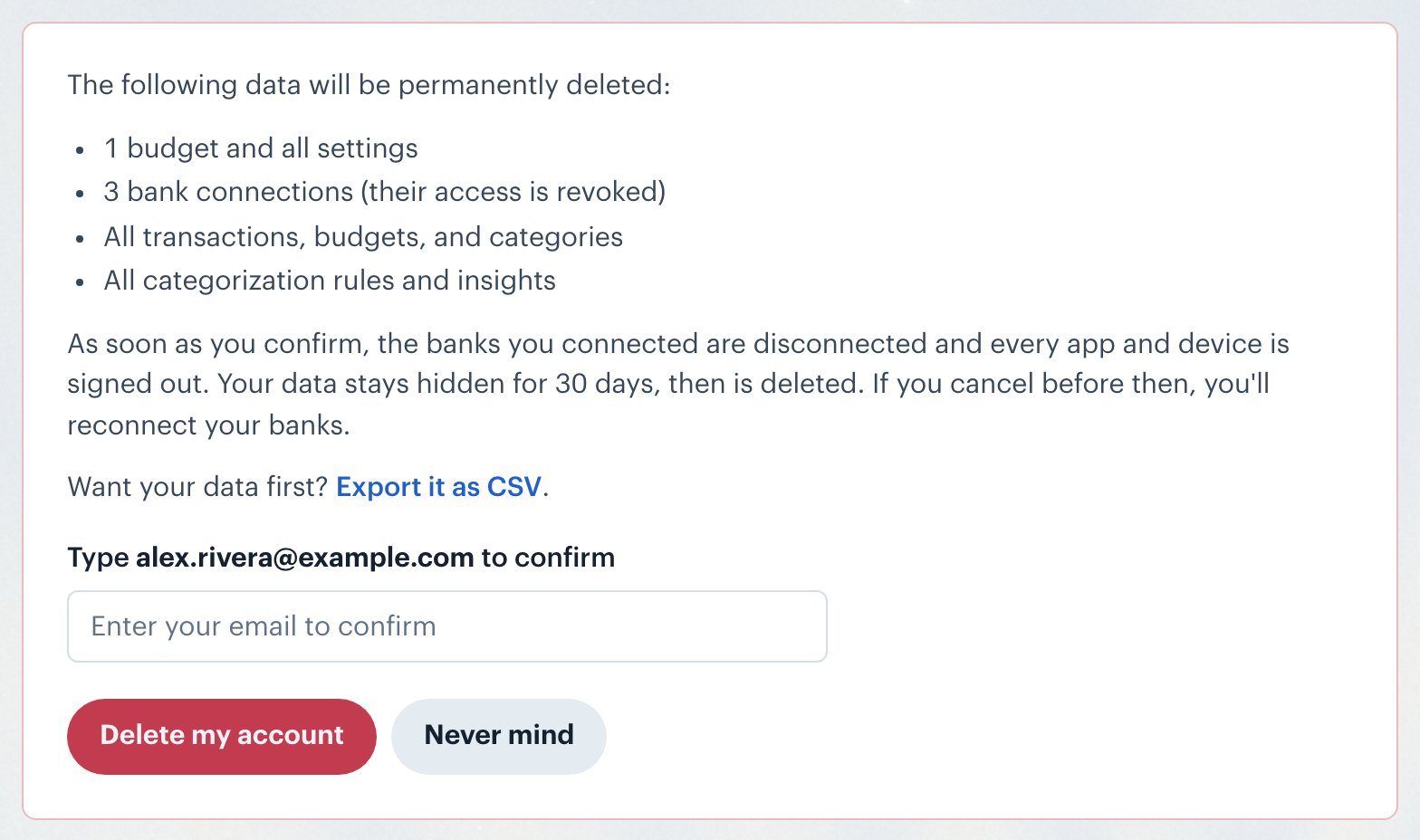
Get startedBorderless Budget lets you permanently delete your account and all associated data from the Security tab in Settings, or from Settings in the iPhone and Android apps.
In the iPhone or Android app, tap More, then your account, then Delete account under Sign out. Type your account email and tap Delete my account. The app signs you out and shows that the deletion is scheduled.
If you subscribe through the App Store or Google Play, deleting your account does not cancel that subscription. Cancel it in the store: the delete form links to the store's subscription settings.
As soon as you confirm, the banks you connected are disconnected and every app and device signed in to your account is signed out, including connected apps. Your data stays hidden for 30 days, then is permanently deleted.
Note: Your data is not deleted right away. You have a 30-day grace period to change your mind before it is permanently removed.
If you submitted a deletion request and want to reverse it, you have two options:
Cancelling restores your data, but not your bank connections: reconnect each bank from Accounts. Your transaction history is kept. Sign in again on your phone and in any connected app.
Note: The cancellation link and the in-app option are both valid for 30 days from the date you requested deletion. After that, deletion is permanent and cannot be undone.
👋 Still have questions? Email [email protected].