
Related articles
Track your own money with Borderless Budget
Every account stays in its own currency, and every total adds up in yours. The first 30 days are free.
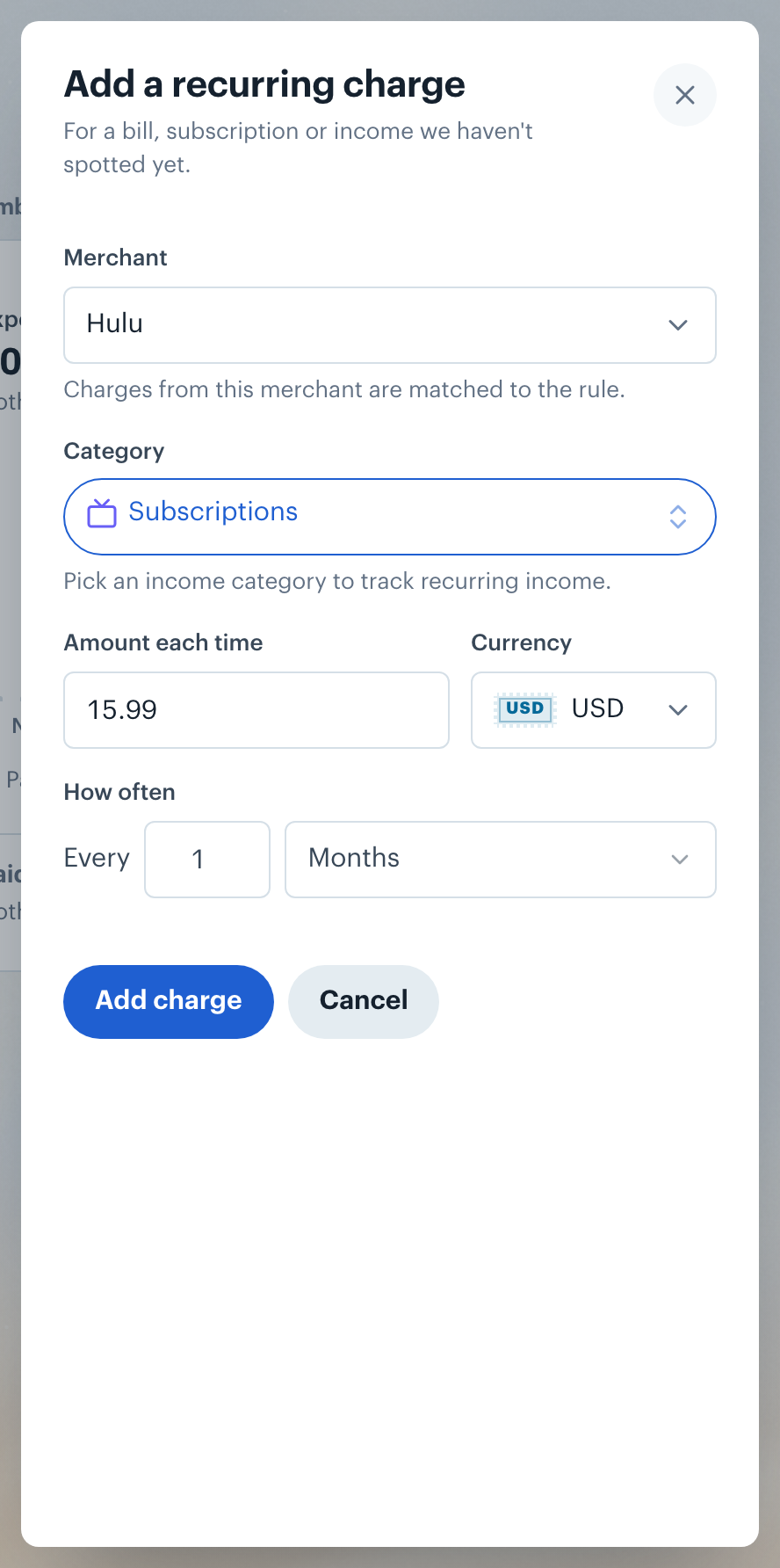
Get startedSteps to manually add a recurring charge rule in Borderless Budget.
Every account stays in its own currency, and every total adds up in yours. The first 30 days are free.
Get startedBorderless Budget lets you add a recurring charge yourself when we have not suggested one.
Use this for subscriptions, bills, or any regular charge you want to track going forward.
On a phone, tap More, then Recurring, then the plus button beside the title.

👋 Still have questions? Email [email protected].