
Related articles
Track your own money with Borderless Budget
Every account stays in its own currency, and every total adds up in yours. The first 30 days are free.
Get startedSteps to confirm, dismiss, and manage charges we think repeat.
Every account stays in its own currency, and every total adds up in yours. The first 30 days are free.
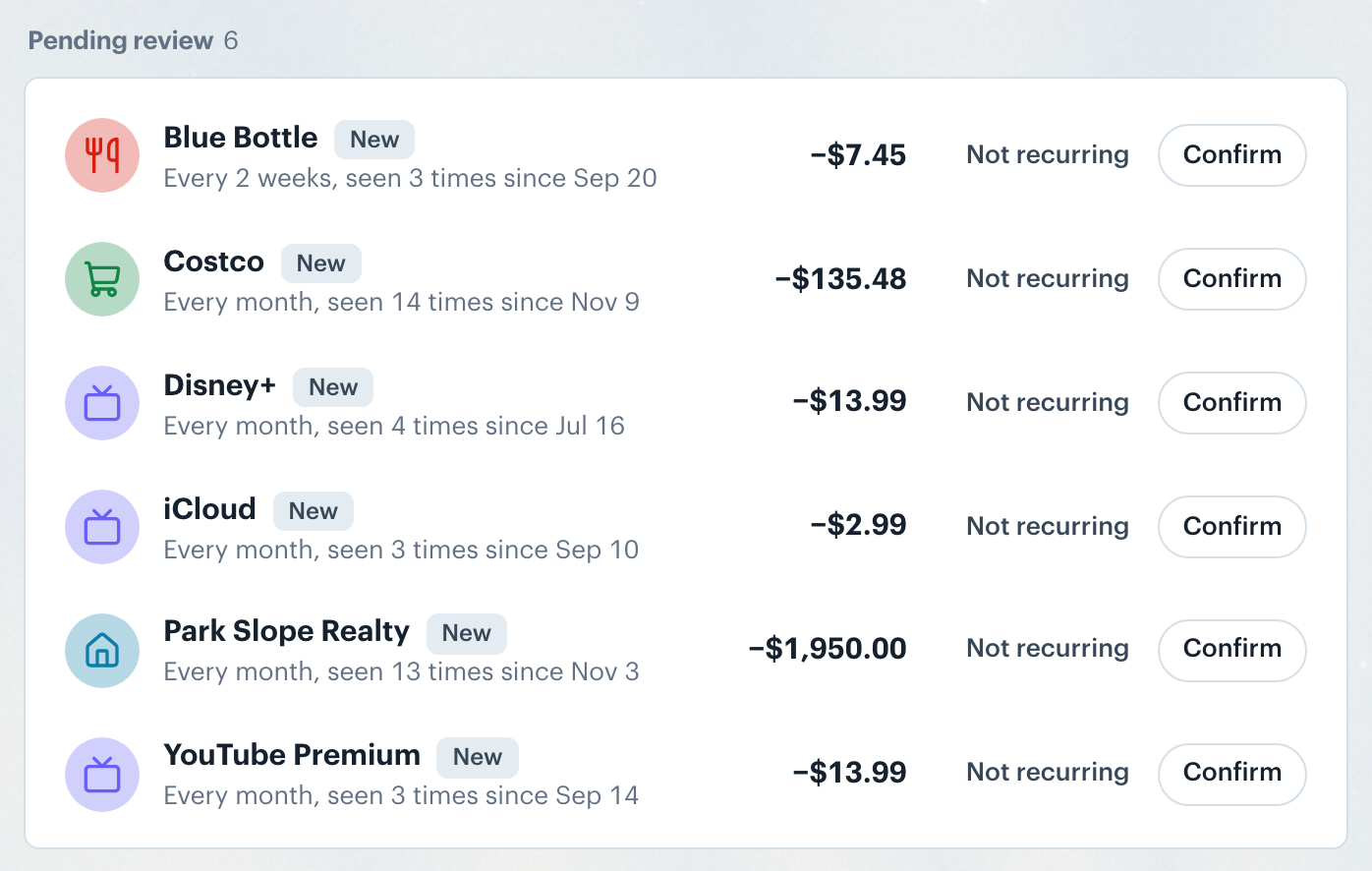
Get startedBorderless Budget spots charges that repeat and lists them under Pending review as New, for you to confirm.
Not sure? Click the row to see how many times we saw the charge, how often it came and when, then choose Confirm recurring or Not recurring in the sheet.
Note: You can reverse this at any time. Expand Marked not recurring, find the entry, and click Mark recurring to restore it.
Each confirmed charge is a row in the Schedule. Click it to open its details and change its settings from the ⋯ button.
👋 Still have questions? Email [email protected].