Borderless Budget lets you control which email notifications you receive from the Email notifications section of your settings.
Open notification settings
Click your account at the bottom of the sidebar, then Settings. The Profile tab opens first. Find the Email notifications section.
On a phone, tap More, then your account, then Notifications. Each email is a switch, and Frequency opens a list to pick from.
Set your preferences
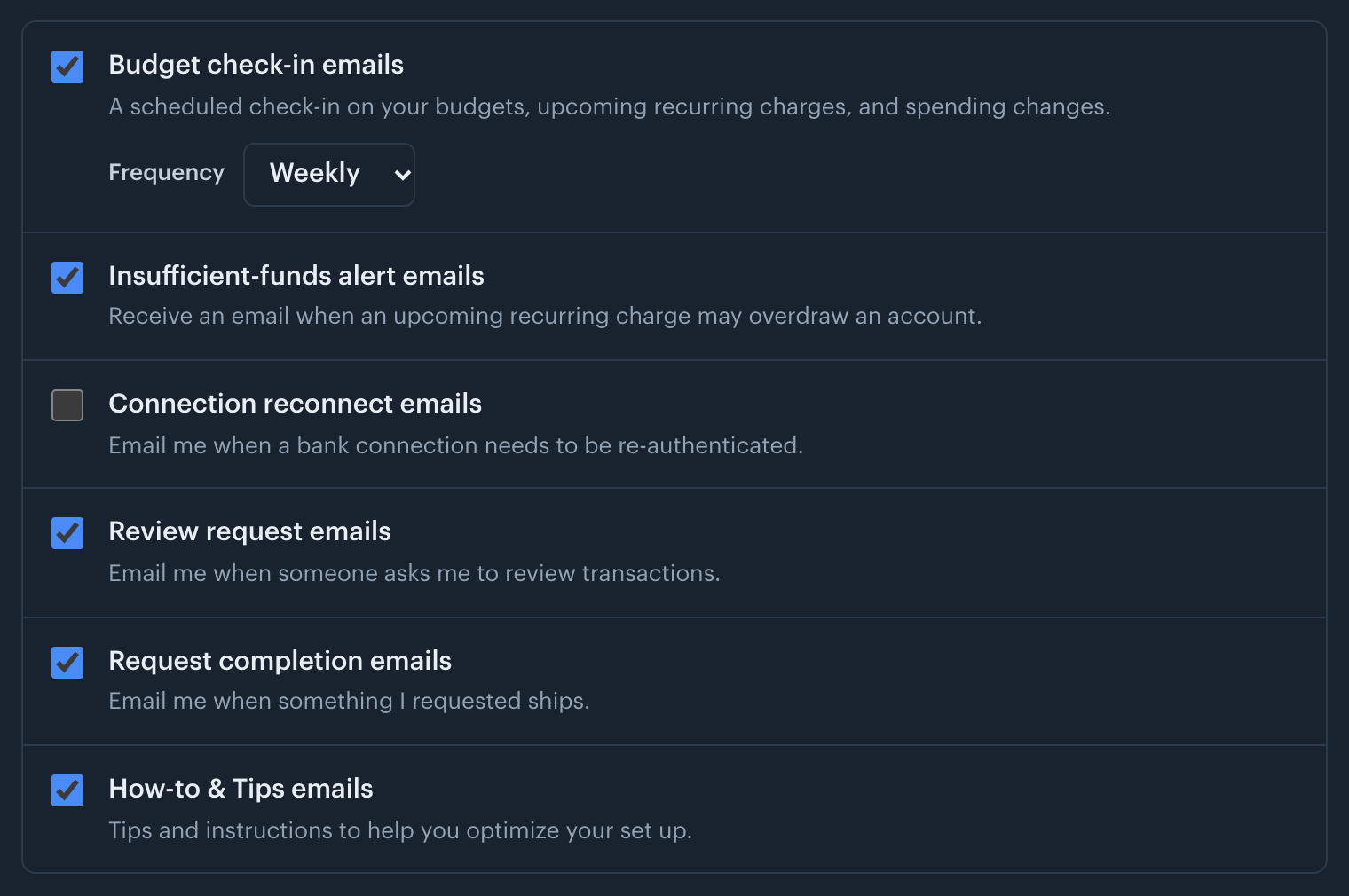
Check or uncheck Budget check-in emails to turn on or off the scheduled check-in on your budgets, upcoming recurring charges, and spending changes. Use the Frequency menu to have it delivered weekly or monthly; the menu is available while check-in emails are on.
Check or uncheck Insufficient-funds alert emails to turn on or off the email sent when an upcoming recurring charge may overdraw one of your accounts.
Check or uncheck Bill price change emails to turn on or off the email sent when a recurring bill's price changes.
Check or uncheck Goal milestone emails to turn on or off the email sent when a goal is halfway there or reached.
Check Connection reconnect emails to also get an email when a bank connection needs to be re-authenticated. This one starts unchecked; the app always prompts you to reconnect on Home either way.
Check or uncheck Review request emails to turn on or off the email sent when another member asks you to review transactions. The app still marks what is waiting for you either way.
Check or uncheck Request completion emails to turn on or off the email sent when something you requested ships.
Check or uncheck How-to & Tips emails to turn on or off emails with tips and instructions for setting up the app.
Check or uncheck News from Patrick emails to turn on or off occasional letters from Patrick about what's new.
Check FBAR reminders, UK tax year reminders or Australian tax year reminders to get an email before that deadline: April 15 and the October 15 extension for the FBAR, 5 April for the UK tax year, 30 June for the Australian one. These three start unchecked, because only you know whether a deadline applies to you.
Billing emails, such as the notice before your trial ends or a failed payment, always arrive; they have no toggle.
Every email from Patrick also ends with an unsubscribe link that turns off only that kind of email.
Each toggle saves on its own the moment you change it, so there is no separate save step. A brief "Saved" confirmation appears next to the heading.
The Email notifications section with its email toggles.