
Related articles
Track your own money with Borderless Budget
Every account stays in its own currency, and every total adds up in yours. The first 30 days are free.
Get startedRollover carries what you don't spend in a category into the next month, and takes overspending out of the next month's budget. You turn it on per category.
Every account stays in its own currency, and every total adds up in yours. The first 30 days are free.
Get startedBudget rollover carries what you don't spend in a category into the next month, and takes overspending out of the next month's budget. Each category has its own switch, and it's off until you turn it on.
Open the category from the Budgets screen, then turn on the Roll over leftover switch in its detail. The change saves right away. Every expense category has the switch. Income never rolls over, and neither do transfers. A goal always rolls over.
Rollover starts with the month you turn it on: what's left at the end of that month carries into the next one, and nothing from earlier months comes in. The switch belongs to the budget, not to your login, so it applies to everyone you share the budget with, and any member can change it.
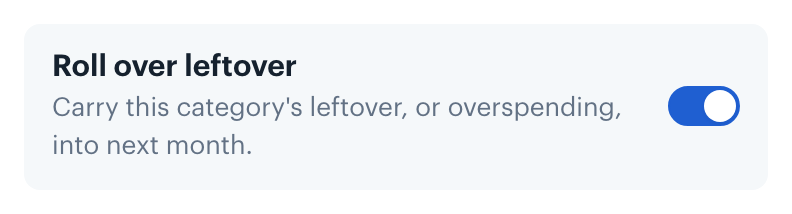
Turn the switch off and the category carries nothing in any month. If you turn it back on later, it starts again from that month.
Saving toward a trip or a fund? See Saving for Goals.
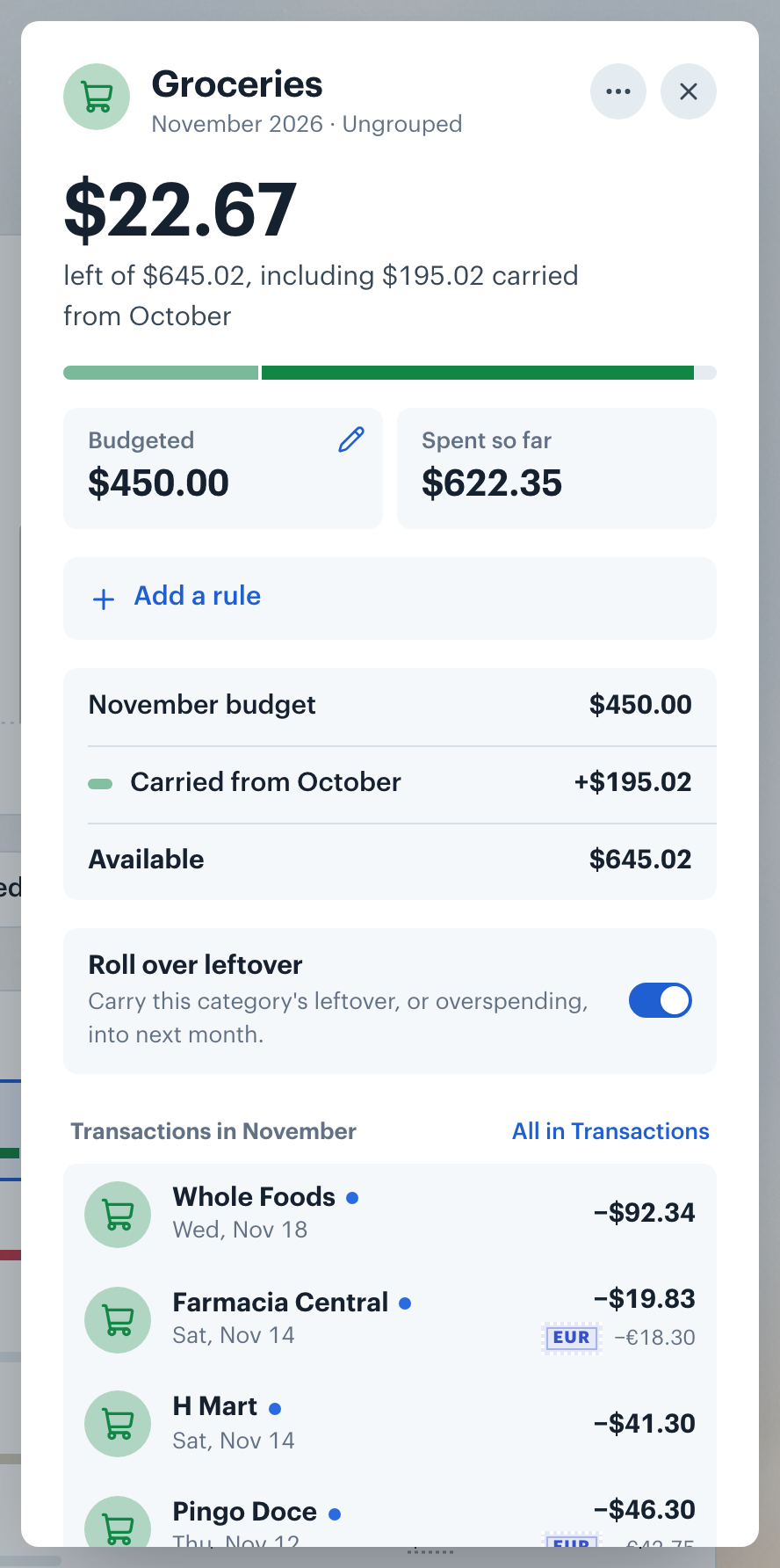
Budgeted still shows the amount you set for the month, the number you edit. Hover it to see what's available this month: the budget plus what carried in, for example "$450.00 available" and "$400.00 budget + $50.00 carried from September". Remaining and the budget bar both include the carry.
A category with carried leftover but no budget this month shows the carry as its Budgeted amount. Click it to set a budget; the carry is added on top, and the editor says so ("Plus $50.00 carried from September").
The category's detail shows the same numbers. Its headline is what's left, with a caption such as "left of $450.00, including $50.00 carried from September". Overspending reads "after $50.00 of overspending carried from September". The month named is always the previous month, even when the carry built up over several. Under the tiles, a breakdown lists the month's budget, what carried in and what's Available. Its Spent each month chart draws each month against what was available that month.
On the category's budget bar, and on its row on the Budgets screen, what carried in comes first: leftover in a lighter shade of the category's color, overspending in red, then this month's spending.
When carried overspending is larger than a category's budget, the category starts the month over budget. When it uses up the whole month's budget across your categories, the page header says the overspending "used all of it" instead of showing a negative budget.
Home's budget line includes the carry, for example "Your budget for October is $2,950.00, including $50.00 carried from September", and the even-pace figure uses that total. When carried overspending uses up the whole month's budget, Home says so and leaves out the even pace.
Want to know how foreign-currency spending is converted? See International Currency.
Groceries has a $400.00 budget every month, and you turned on its rollover in September. In September you spend $350.00, so $50.00 carries into October. October's Budgeted still shows $400.00, but $450.00 is available.
In October you spend $500.00, which is $50.00 over. November's $400.00 budget then has $350.00 available, and its caption reads "left of $350.00, after $50.00 of overspending carried from October".
👋 Still have questions? Email [email protected].