Budget styles · Updated 20 November 2026 · 6 min read
What it is
Follow my spending answers a plain question: what does a normal month cost you? Borderless Budget looks at your spending in each category over the last 3 complete months, adds the recurring charges you've confirmed, and sets each category's budget from that. As each month closes, and when a new account finishes importing, it updates those amounts, so the budget never goes stale.
It's one plan that every month follows, up to a year ahead. Any amount you type yourself stays as you typed it. Everything else the app keeps current.
Where it comes from
There's no book behind this one. The other four styles start from your income and decide how it should be split. This one starts from your spending and tells you what your months actually cost, which is the honest place to start before you decide whether to change anything. It's the style every Borderless Budget account begins on.
Who it suits
- Anyone starting out. You get a realistic budget without picking a single number.
- People who use a budget as a pace check. Am I ahead or behind on groceries this month? The month summary and each category's bar answer that.
- Anyone without a steady income history. It needs no income at all, because it's built from what you spend.
It suits you less if you want the budget to push your spending somewhere new. A budget built from your past mostly repeats it, unless you lean it toward saving (step 3) or switch to a style that starts from income.
Set it up in Borderless Budget
1.Connect or import your accounts
Connect your banks or import a file. Until a full month of spending is in, Budgets lists common categories with no amounts; you can type any you want to plan, and the app fills in the rest once that month is in.
2.Open Budgets
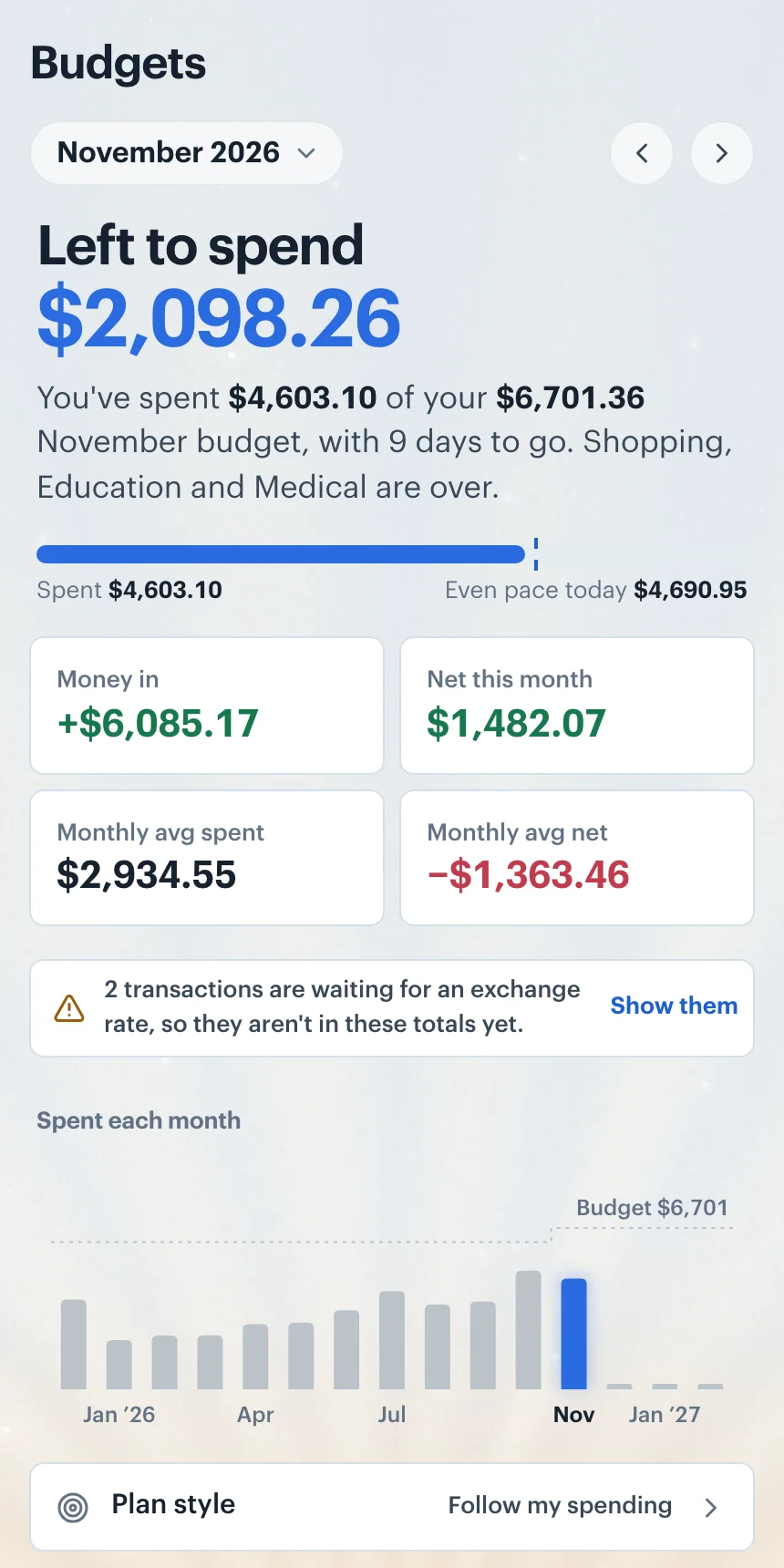
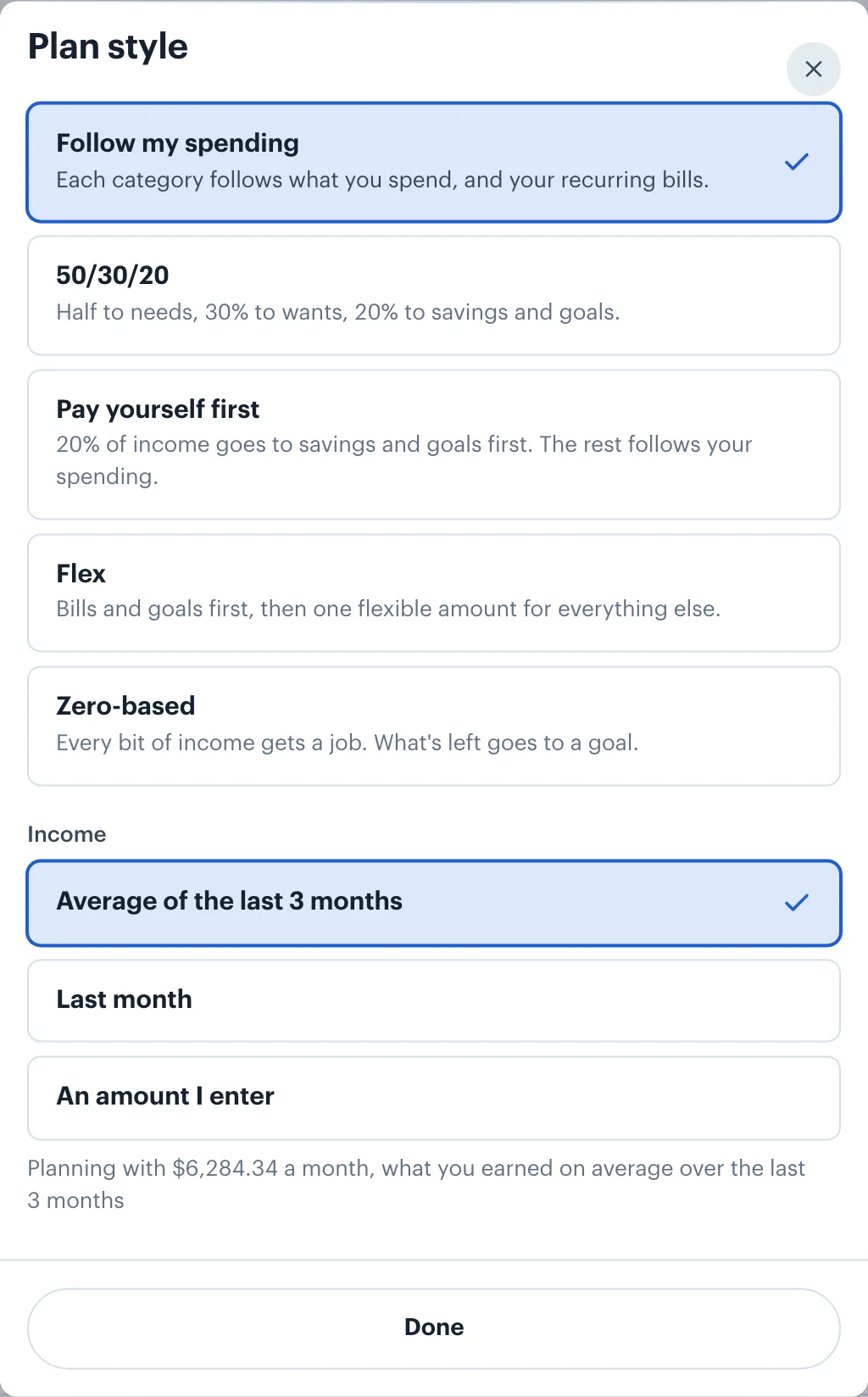
The month summary leads with Left to spend, and each category shows its budget bar with Actual, Budgeted and Remaining. The Plan style control reads Follow my spending. If you've tried another style, open Plan style and choose Follow my spending to come back; it saves as soon as you pick it.
3.Lean it toward saving or spending
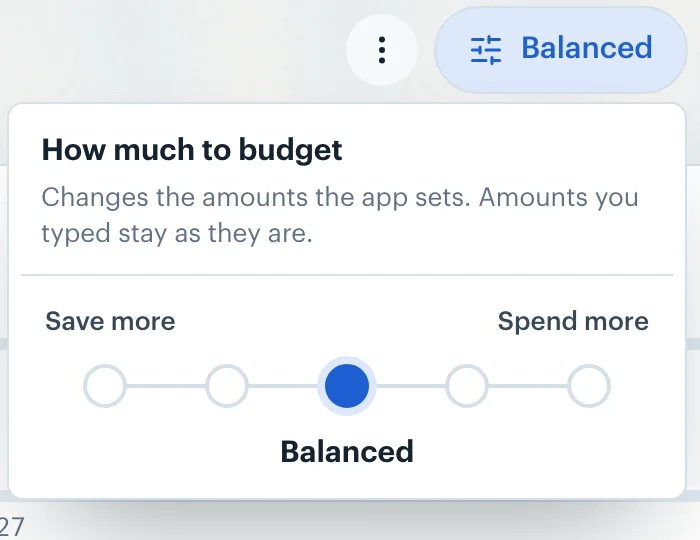
In the Categories toolbar, the pill that reads Balanced at first opens How much to budget: five stops between Save more and Spend more, with Balanced in the middle. It changes the amounts the app sets and leaves the ones you typed alone.
4.Fix the categories you want to decide yourself
Click a Budgeted amount to type your own. To hand a category back, open it, click ⋯ and choose Reset to automatic. If you'd like what you don't spend to carry into next month, turn on Roll over leftover in that category.
How goals fit in
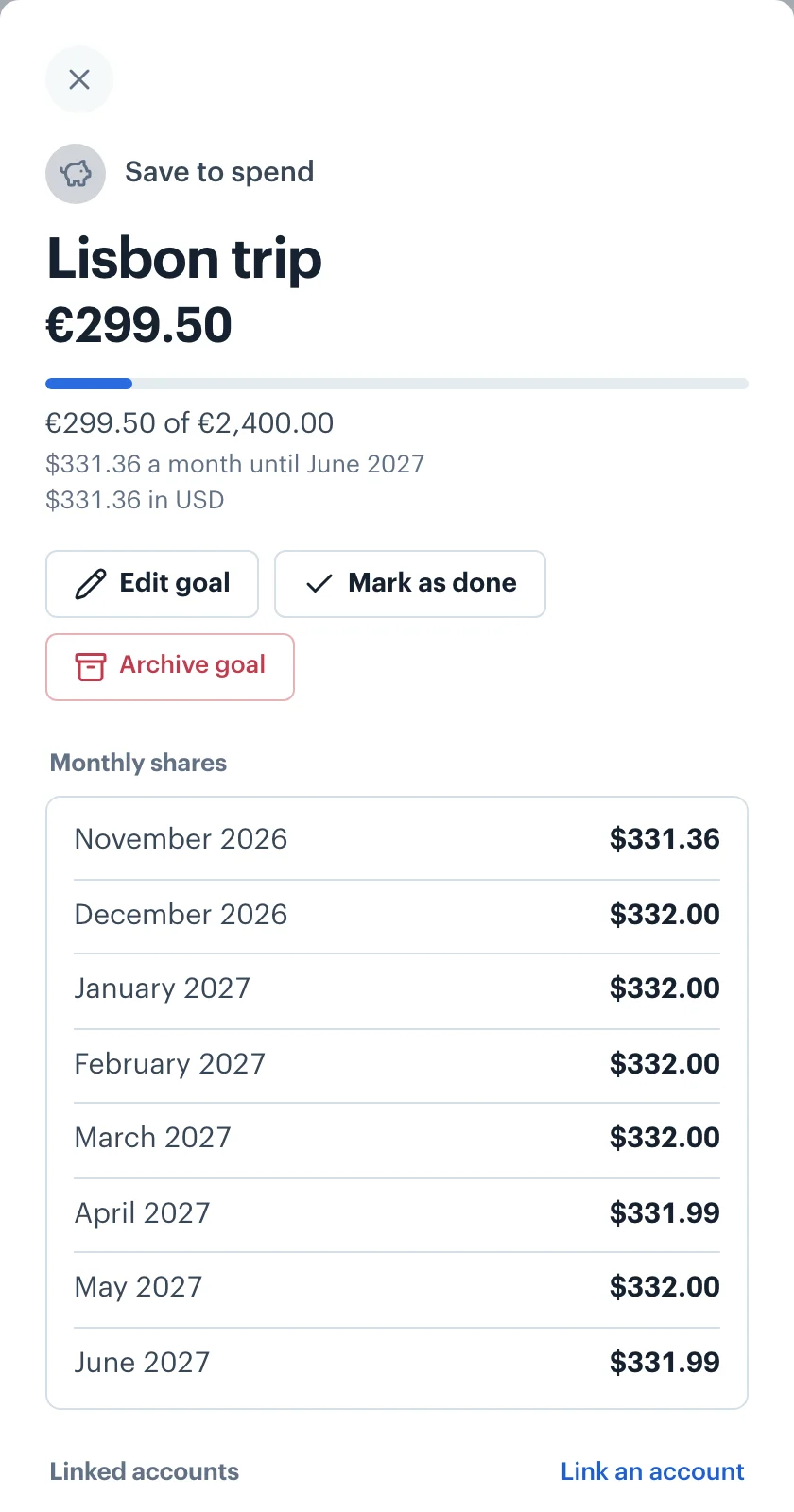
A goal is a budget category in the Goals group with a target. A goal with a date sets aside what's still to save, split over the months left; a goal with no date sets aside the amount you choose each month. That share is the goal's budget, and the plan never budgets less than it. Follow my spending doesn't add anything on top: your goals get exactly their shares, and every other category keeps following your spending.
Irregular or no income
This is the one style that never asks about income. If your pay arrives at odd times, or you're living on savings for a while, the budget still works, because it's built from spending. Money in still shows in the Left to spend card, so you can see when a month earned less than it cost. If you have goals, the Goals screen also says how much of what you planned for them last month's income covered, after your other spending.
Money in more than one currency
Every budget amount is in your home currency. Spending in other currencies is converted at the exchange rate for each transaction's date, so the average behind your Groceries budget includes the euros you spent in Lisbon and the pounds you spent in London, and the original amounts stay beside each transaction. A goal can be in any currency: its share converts at each month's rate, and when no rate is available yet it sets no share rather than guessing. How currency conversion works.
Want your income to decide the split instead? Try 50/30/20 or pay yourself first. Details on typed amounts are in Adjusting Monthly Budgets, and on carrying leftovers in Budget Rollover.
 Borderless Budget
See your month in one currency
Connect your accounts in each country you bank in, and Borderless Budget shows the month in your home currency, every original amount kept. Borderless Budget has a 30-day free trial, then costs $14.99 a month or $109 a year, billed in USD, with every feature and up to 10 connected banks included.
More budget styles
- 50/30/20: Elizabeth Warren and Amelia Warren Tyagi's split of take-home pay: half to needs, 30% to wants, 20% to savings and goals, and how far you are from each.
- Pay yourself first: 20% of income goes to savings and goals before anything else, and every other category keeps following your spending.
- Flex: Cover your bills, set-aside bills and goals first, then watch one flexible amount for everything else instead of a dozen categories.
- Zero-based: Plan income minus every category down to zero, with whatever is left going to a goal you choose. Measured against the income you budget for the month.
- All five styles compared